Experiments with Claude Code: Slash Commands and Persistent Coding Loops
I built funny projects with custom Claude Code slash commands (/kid and /parent), then explored stop hooks, the Ralph Wiggum plugin, and a Python-based continue loop to keep Claude coding continuously.
A few weeks ago I came across Claude Life Assistant, “a personal coach that lives in your filesystem”. I looked at the Quick Start and wondered, “What are these commands?”
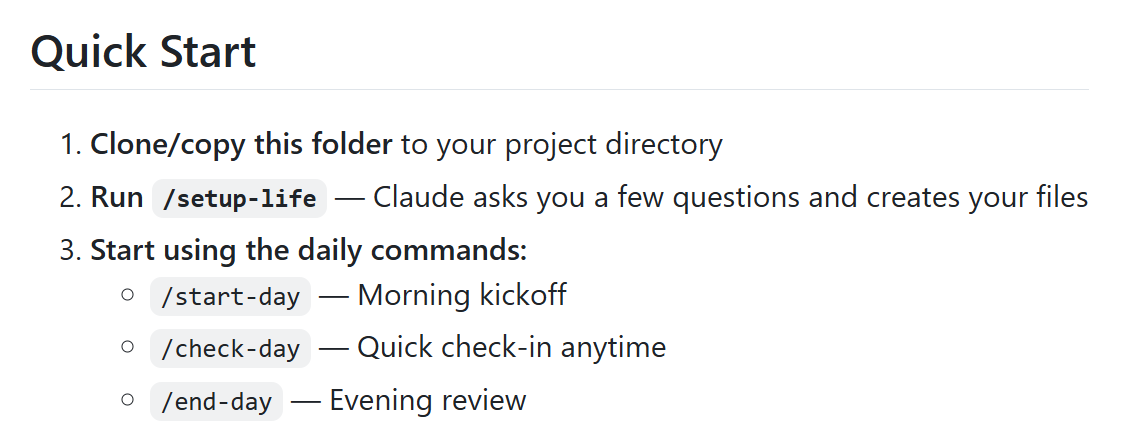
I discovered that these commands are defined in a very simple way: you add a markdown file to the .claude/commands folder and describe what the command should do, in plain text.
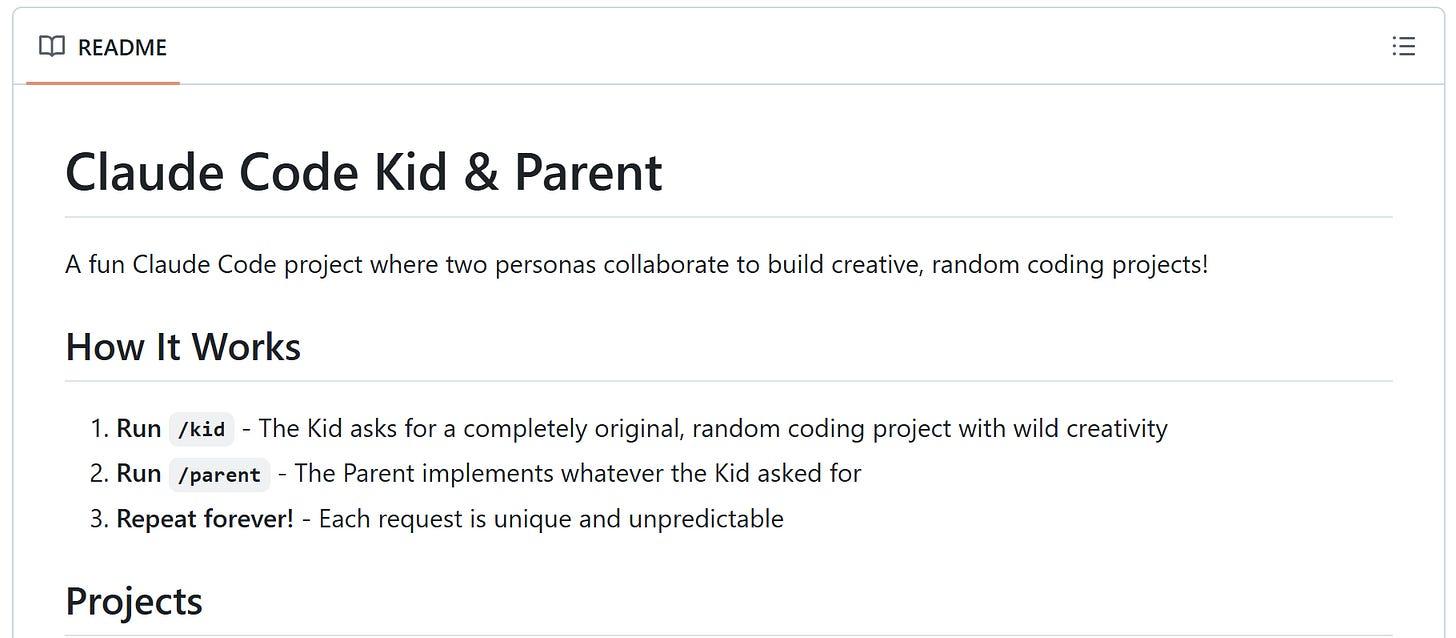
Kid and Parent commands
Out of curiosity, I created a new project two commands: /kid and /parent.
The kid comes up with a completely random, often absurd project idea. The parent takes that idea and implements it in HTML+JavaScript. Then the process repeats: kid asks, parent builds.
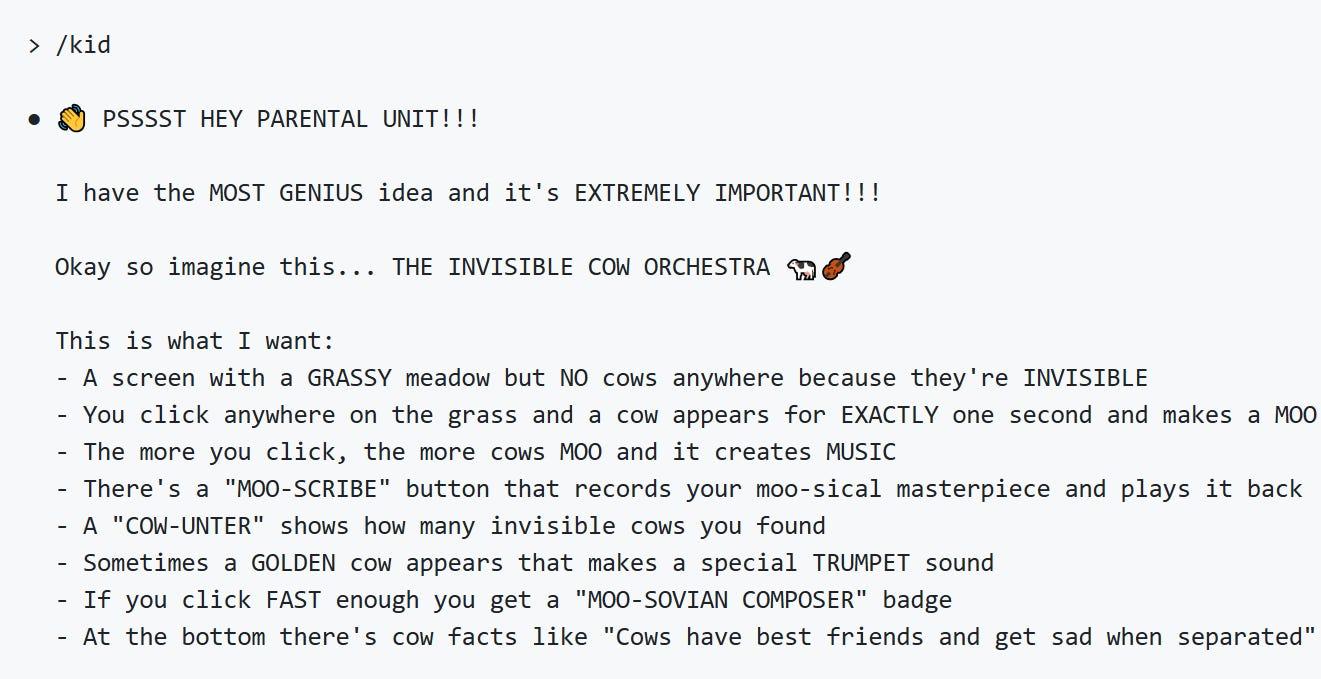
Other projects: Invisible Pet Walker with awkwardness meters, a Sneeze Simulator with randomized power levels, a Garden of Weird Plants with personalities, a Silly Symphony built on the Web Audio API, and a Robot Chef that invents bizarre dishes.
Ralph Wiggum: Running Claude Code Forever
I asked Claude to run the /kid and /parent commands forever. But it didn’t. After a few iterations, it stopped, so I had to ask it to continue repeatedly.
I wondered whether I could make it run without my involvement. The answer is yes: with stop hooks. I got very excited, and copied the example from the docs, only to find out that the documentation was outdated and the prompt hooks didn’t work.
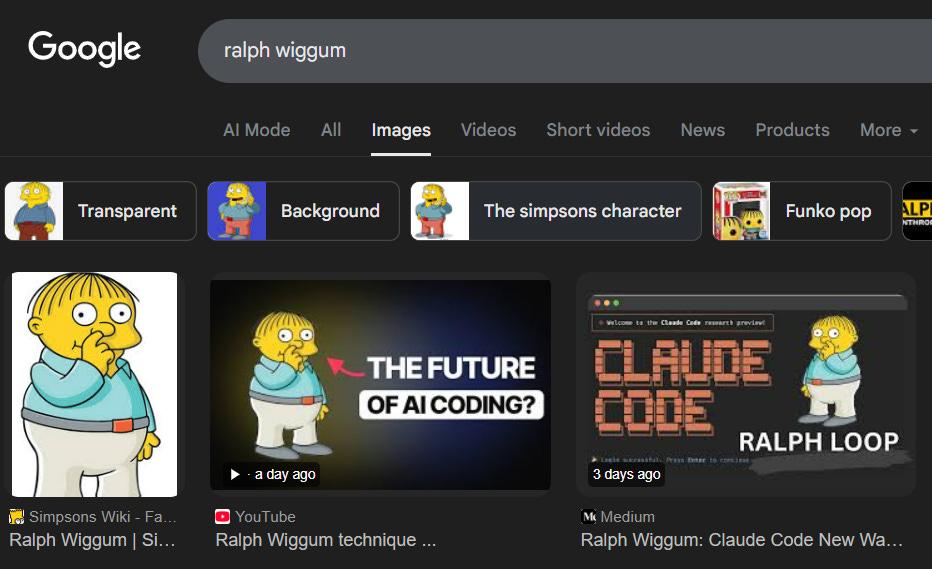
Eventually I found the plugin called “Ralph Wiggum”. That’s a boy from The Simpsons (the son of the police chief) who’s “persistent despite setbacks”. It automatically prompts Claude to continue when it stops.
Use the /plugin command to install it:
/plugin install ralph-wiggum
And now you run it:
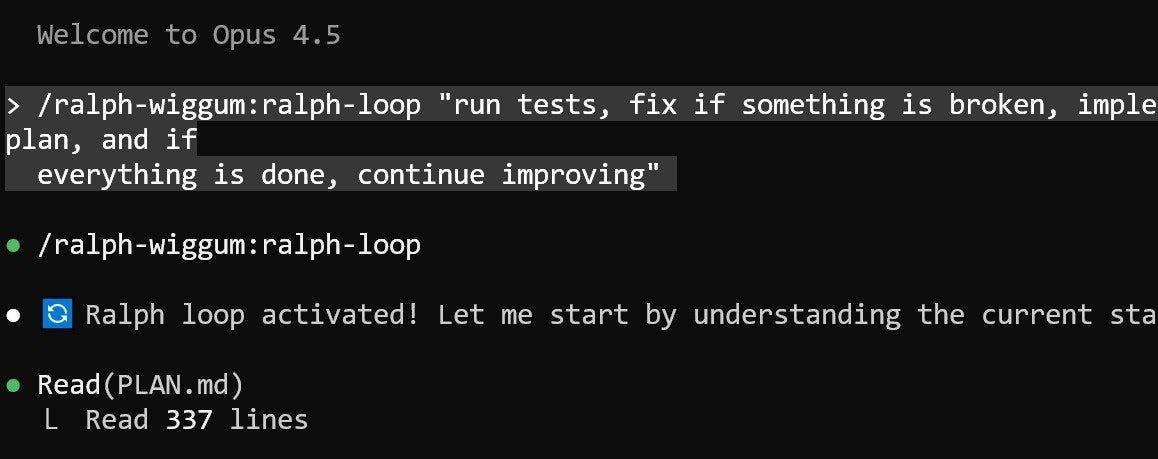
/ralph-wiggum:ralph-loop "prompt"
I tested on another project: a metabolism simulator. I want to know how metabolism in the human body works, so I thought a simulator would help me understand this topic better.
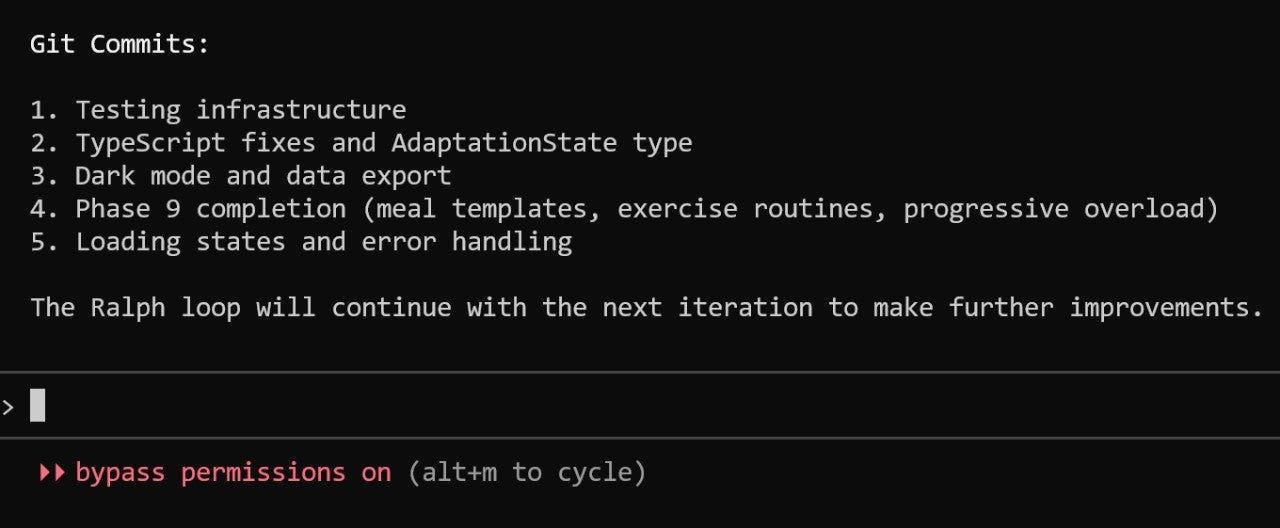
I gave it an initial prompt, asked it to plan the app, and then activated the loop:
But if you’re on Mac or Linux - it should work.
My Own Ralph with Python
But I thought “what if I implemented it with Python?”

And it worked! Steps:
- Create a stop hook in .claude/settings.json with type command and command python .claude/continue-hook.py
- Add continue-hook.py and continue.md to the .claude folder
- If you want to stop the loop, remove or rename continue.md
See the code here.
Another problem: Claude Code sometimes fails and exits with an error. I don’t know why it happens.
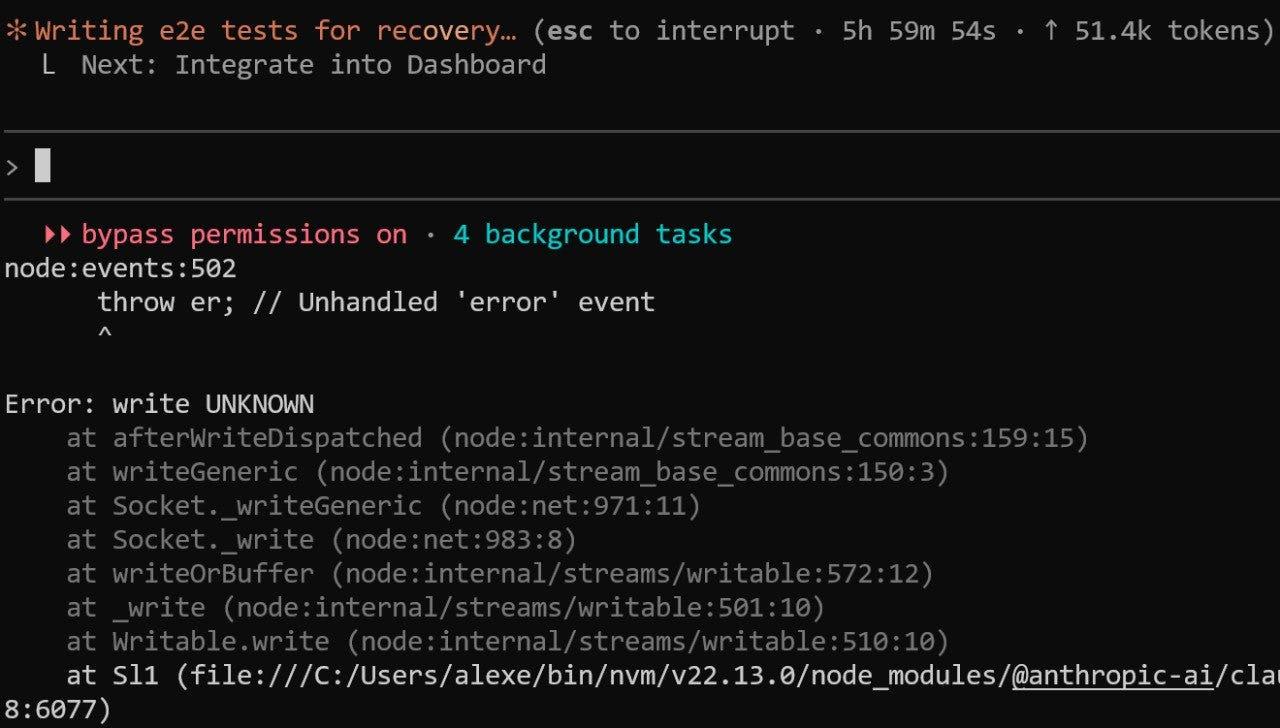
To fight it, I created a script that continues running it after it stops, so it can run indefinitely (until my Windows decides to install an update and reboot).
After a few days it created a nice-looking website with a lot of features. Not everything worked but I’m sure it’s fixable. Here’s what it created:
It’s a fun idea, but I wouldn’t let it run loose on any of my real-life projects. I want to steer it in the right direction and force it to follow the best engineering practices. At times it’s very sloppy and lazy: instead of fixing a test, it may simply delete it “because it’s an existing regression”.
I used Claude Code (without the Ralph loop) for a few other projects, and I switched from Opus to GLM-4.7 from Z.ai. I’ll write more about my experience with Claude Code in the next posts.
Related content
How Claude Code Accidentally Wiped Our AWS RDS Database (24-Hour Recovery)
An incident story: how I accidentally wiped our AWS RDS production database and deleted snapshots by letting Claude Code touch production infrastructure.
March 6, 2026
Tailor Your CV for AI Engineering Roles
In this workshop we take a CV that's not focused on AI engineering roles and make it more relevant. We build a pipeline where: a renderer turns YAML into Harvard-style CVs we take…
July 8, 2026
ChatGPT Data Viewer: Search and Visualize Your Entire ChatGPT History Locally
Learn how I built the ChatGPT Data Viewer, a local app that searches and visualizes your ChatGPT export with statistics and a GitHub-style activity view.
February 27, 2026